

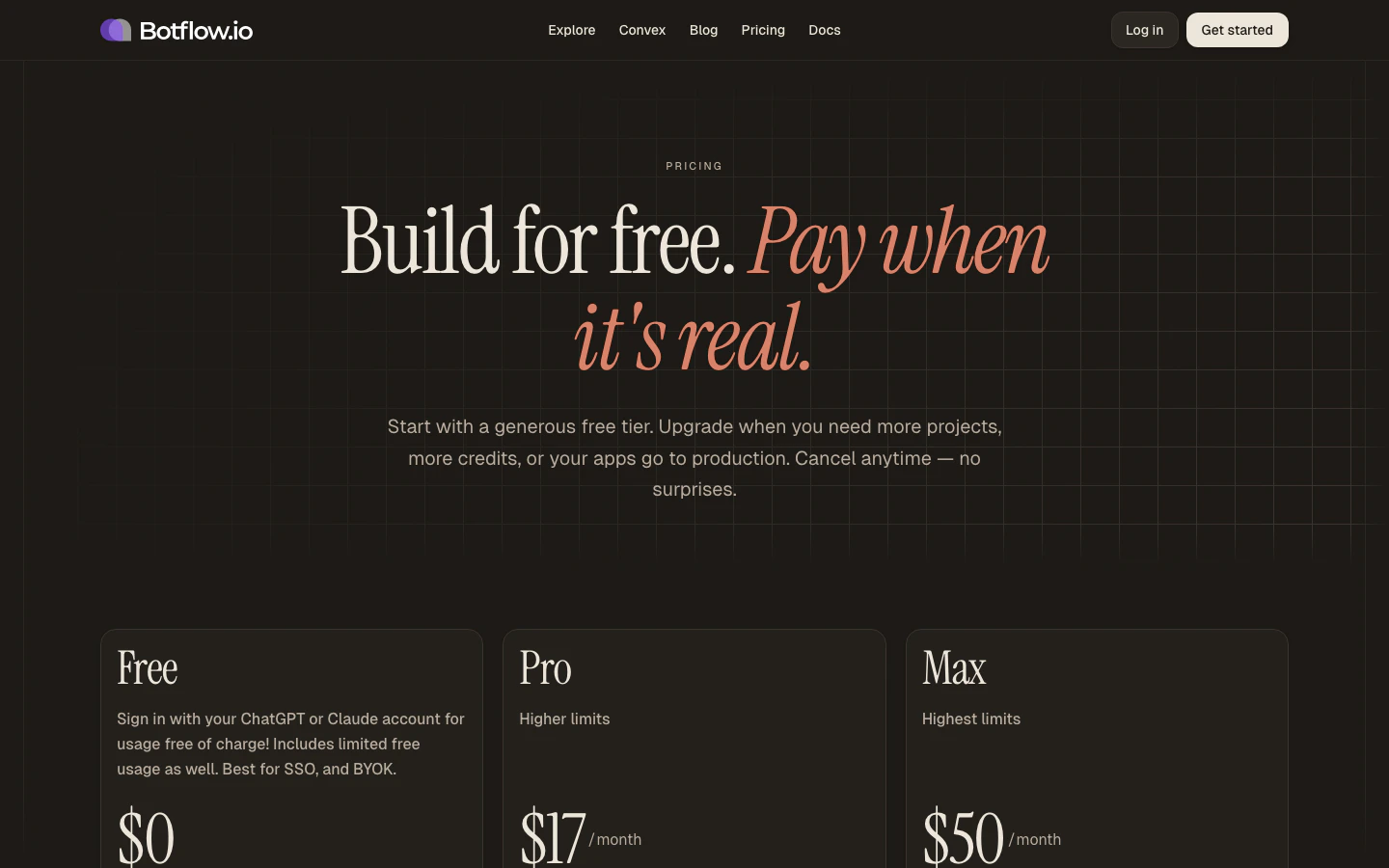
Plans at a glance
All plans include unlimited collaborators, encrypted secrets, and the full IDE.
Credits
Platform-managed credits let you use Botflow’s AI models without providing your own API keys. Credits are included on Pro and Max plans as a monthly allotment.How credits are calculated
Credits are normalised across models so you can switch models freely:- MiniMax-M2.5 — 1 token = 1 credit
- Claude Sonnet 4 / GPT-5.3 — weighted proportionally (higher capability = higher cost per token)
- Cached input tokens — cost significantly less than uncached tokens
Avoiding credit usage
Any request made with your own API keys or via Claude OAuth / Codex OAuth does not draw from your platform credit balance. You can mix and match — use your own key for heavy tasks and platform credits for quick edits. See Settings → Connections for how to add your own keys.Convex
Every project gets a Convex real-time backend. The difference between plans is who manages it:- Free — you connect your own Convex account (free at convex.dev) and paste the deployment URL into Settings. Botflow injects it automatically.
- Pro / Max — Botflow provisions and manages a Convex deployment for each project. No setup required.
Custom domains
Custom domains let you serve your Cloudflare Pages deployment from your own domain (e.g.myapp.com). This feature is available on Pro and Max plans. See Deploy → Custom domains for setup instructions.
Upgrading, downgrading, and cancelling
You can change your plan at any time from the Subscription tab in Settings. The pricing table is embedded directly — no need to navigate away from the workspace.- Upgrading — takes effect immediately. You’re charged a prorated amount for the remainder of the billing period.
- Downgrading — takes effect at the end of the current billing period.
- Cancelling — your plan stays active until the end of the period. Your projects and data are preserved; you return to the Free tier limits.
FAQ
Can I start without a credit card?
Can I start without a credit card?
Yes. The Free plan lets you build, run, and ship real projects without entering any payment info. You can always upgrade later from inside the workspace.
Do I have to use Botflow's AI credits?
Do I have to use Botflow's AI credits?
No. Every plan supports bringing your own keys for OpenAI, Anthropic, and Fireworks — or signing in with Claude or Codex OAuth. Use the platform credits when convenient and your own keys when you want zero markup.
What happens to my projects if I downgrade?
What happens to my projects if I downgrade?
Your projects stay live. If you exceed the lower plan’s active-project limit, the oldest projects move to read-only until you archive a few or upgrade again — nothing is deleted.
Is Convex really included?
Is Convex really included?
Yes. On Pro and Max, every project gets a platform-managed Convex backend with real-time sync, typed functions, and the full Convex dashboard inside the IDE. On Free, you connect your own Convex account and Botflow wires it up automatically.
Can I cancel anytime?
Can I cancel anytime?
Yes. Cancel from the Subscription tab in Settings — your plan stays active until the end of the current billing period, and you keep everything you’ve built.