

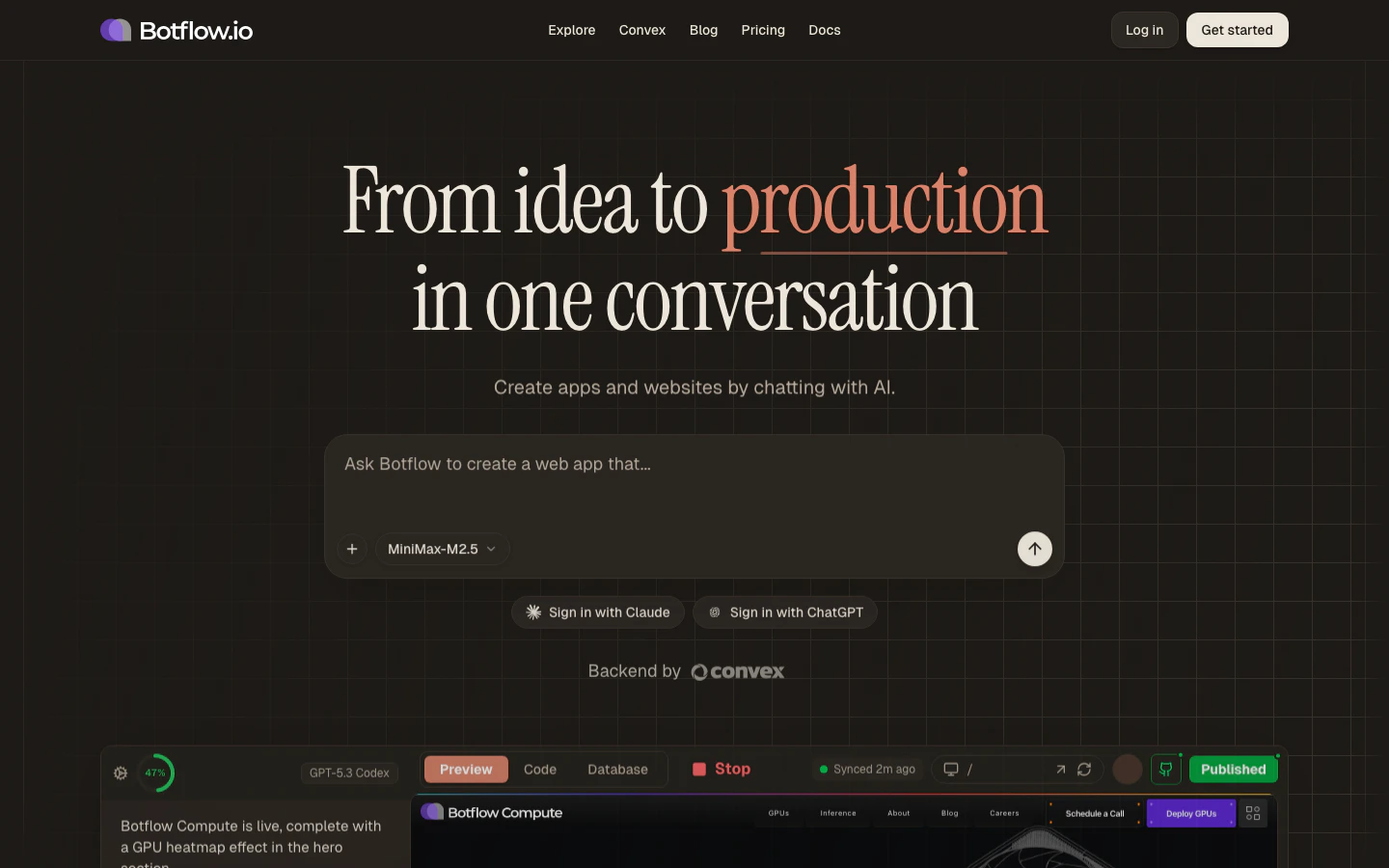
What is Botflow?
Botflow is a browser-based IDE that lets you build, run, and deploy full-stack web applications without installing anything locally. Describe what you want to build in plain English, and the AI agent writes the code, installs packages, and shows you a live preview — all from a single browser tab. Under the hood, every project runs in its own cloud sandbox — a real, isolated Linux environment with Node.js, a full filesystem,git, pnpm, and a proper terminal. The IDE in your browser (editor, terminal, preview, and AI agent) talks to that sandbox over the network, so you get the power of a genuine dev machine without provisioning, installing, or maintaining one yourself.
What’s a sandbox? Each project gets a dedicated Linux microVM running on cloud infrastructure. It’s a true server environment — native binaries, real
git, ripgrep, and any Node package all work exactly as they would locally. The sandbox stays with your project across sessions: it hibernates when you step away and resumes where you left off, with your files preserved.Key features
AI Agent
Chat with GPT-5, Claude, Gemini, and more. The agent reads your files, writes targeted diffs, runs commands, and explains every change.
Monaco Editor
The same editor that powers VS Code — syntax highlighting, autocomplete, multi-file editing, and a built-in terminal.
Live Preview
See your app running instantly. Switch between desktop, tablet, and mobile viewports without leaving the workspace.
One-Click Deploy
Publish to Cloudflare’s global edge network in seconds. Add a custom domain when you’re ready to go production.
Convex Backend
Every project gets a real-time database and serverless functions — no setup required on Pro and Max plans.
GitHub Sync
Connect a repository, commit your changes, push branches, and pull updates without leaving the IDE.
How it works
- Describe your app — Type a prompt on the homepage. The AI agent scaffolds the project using a template that matches what you’re building.
- Build in your browser — The workspace opens with a file tree, editor, and live preview. Chat with the agent to add features, fix bugs, or explain code.
- Ship it — Click Publish to deploy to Cloudflare Pages. Share the link. Done.
What a project ships with
Every new project is a Web project, scaffolded from a production-ready template:- Vite for a fast dev server and optimized production builds
- React with TypeScript
- Tailwind CSS for styling
- Convex for a real-time backend (Pro/Max plans include a managed Convex deployment; Free-plan users connect their own, or skip the backend entirely for a frontend-only app)
- Pre-configured for one-click deployment to Cloudflare Pages
Bring your own model
Every plan supports bringing your own API keys (OpenAI, Anthropic, Google, Fireworks, Moonshot) or signing in with Claude or Codex OAuth. You pay the provider directly with no markup. Pro and Max plans also include a monthly allotment of platform-managed credits so you can get started without wiring up a key.Ready to build something? Head to the Quickstart or go straight to botflow.io.